Cyber Seeds Resource Library
Digital Seeds: The 10 Digital Seeds Every Household Should Plant
The official Cyber Seeds Digital Seeds comic collection: ten calm family online safety habits for Wi-Fi, devices, privacy, scams, backups, screen boundaries and children’s digital wellbeing.
Digital Seeds are small household actions that grow into long-term digital safety habits. They are part of the Cyber Seeds model of Domestic Cyber Ecology: a way of understanding the modern home as a living digital environment made of devices, accounts, behaviours, relationships and wellbeing.
Most households do not need to become technical experts to become safer online. They need small actions that are easy to understand, easy to repeat and easy to build into ordinary family life.
Cyber Seeds calls these actions Digital Seeds. A seed is small enough to begin today, but powerful enough to change how a household thinks, talks and responds to digital risk over time.
What is a Digital Seed?
A Digital Seed is a small, repeatable household action that grows into a long-term habit of digital safety, confidence and care.
It is not a lecture. It is not a complicated technical checklist. It is not about blaming parents, carers, children or grandparents for what they do not know.
A Digital Seed is a practical action that helps the household feel calmer, safer and more capable. It might be changing a router password, turning on automatic updates, creating a family scam-check routine, backing up precious photos, or talking with children about the spaces they use online.
A Digital Seed is small enough to start today, but important enough to protect tomorrow.
How Digital Seeds fit into Domestic Cyber Ecology
Domestic Cyber Ecology is the Cyber Seeds way of understanding the modern household as a living digital environment. A home is no longer only walls, doors, keys and rooms. It also contains routers, phones, tablets, smart TVs, apps, games, passwords, payment details, school portals, social media accounts, private messages, digital memories and emotional routines.
Digital Seeds are the everyday behaviour layer of that ecology. They translate household digital safety into actions that families can actually perform, repeat and pass on.
Each Digital Seed connects to one or more of the five Cyber Seeds safety lenses:
The purpose is not to make a perfect household. The purpose is to make digital safety visible, calm, repeatable and shared.
The 10 Digital Seeds comic collection
This collection is designed for families, schools, community groups, family hubs and anyone who wants digital safety to feel less frightening and more practical.
Each seed includes a full Cyber Seeds comic poster, an accessible written version, a simple action to take today, and its connection to the wider household digital safety model.
Change Your Router Password
Lens: Network & Wi-Fi Safety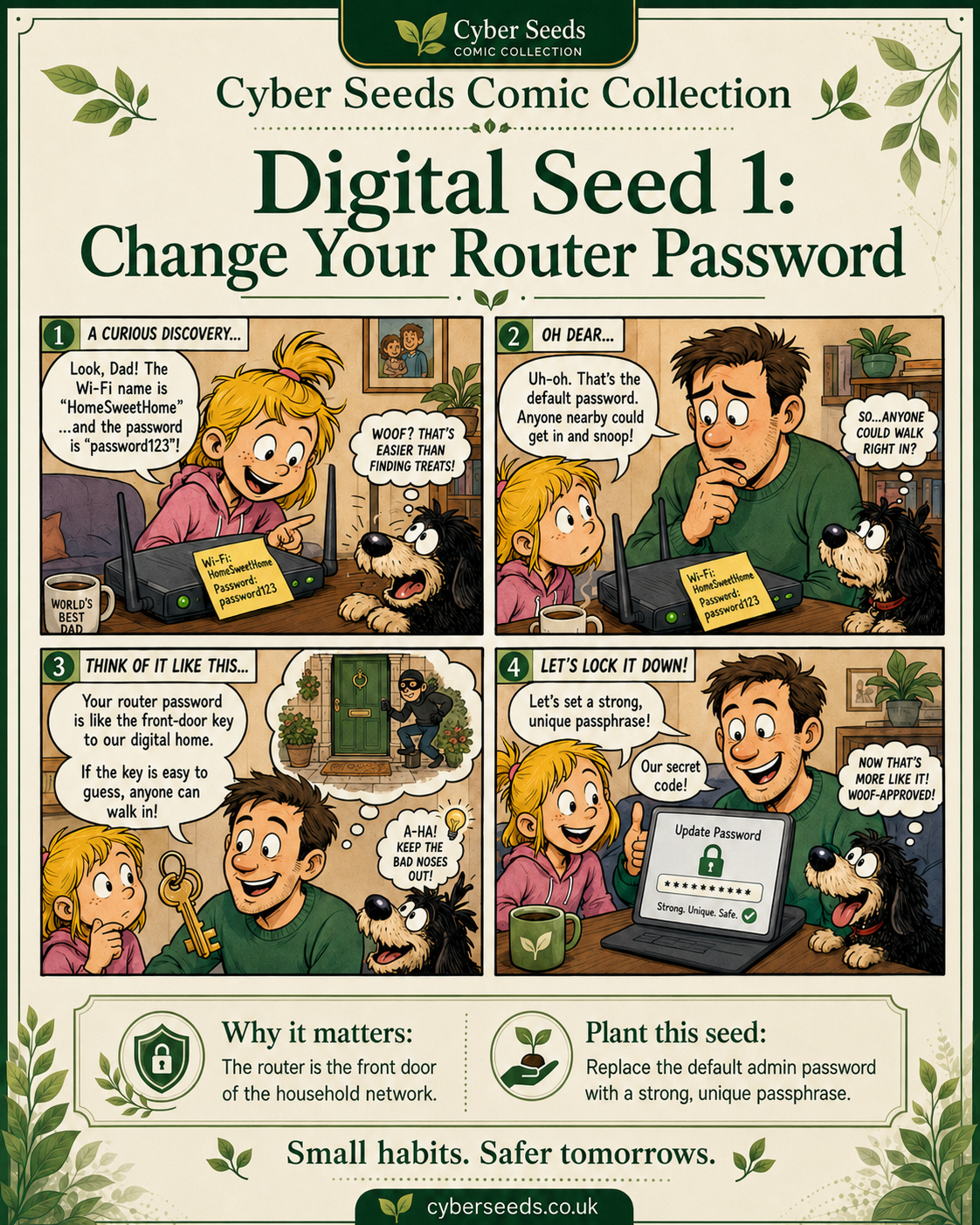
Accessible written version
Your router controls how your home connects to the internet. Many households change the Wi-Fi password but never change the router’s admin password. The admin password controls the settings behind the network.
A weak or default router admin password can make it easier for someone to interfere with your home network settings.
Connect to your home Wi-Fi, open a browser and try the router address shown on your router sticker, broadband app or manual.
Look for settings called admin, system, password, security or management. Change the admin password to a strong, unique passphrase and store it safely.
“The router is our digital front door.”
Turn On Automatic Updates
Lens: Device Hygiene & App Safety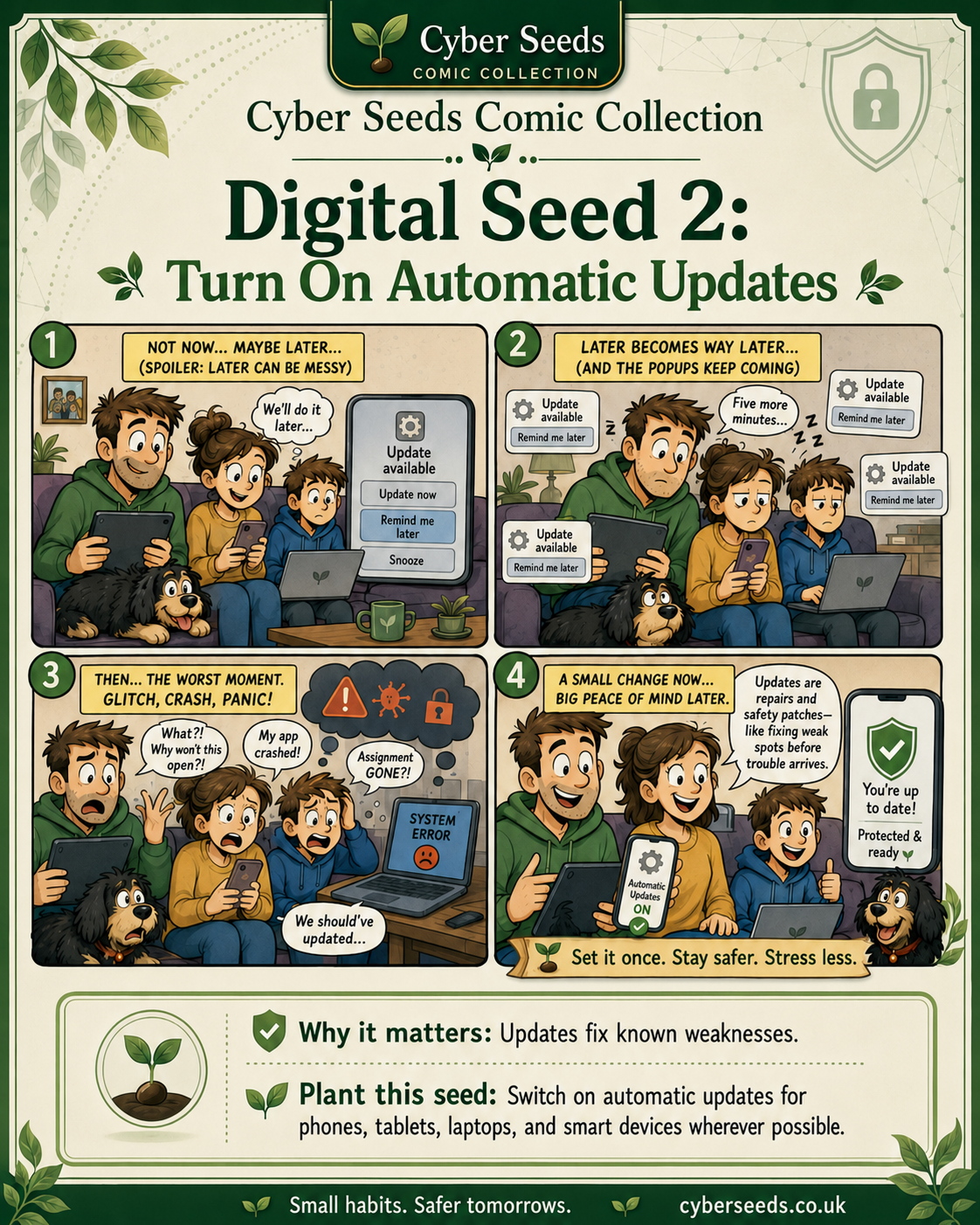
Accessible written version
Updates are not only about new features. They often repair known weaknesses in phones, tablets, laptops, smart TVs, consoles, routers and apps.
Updated devices are harder to compromise and usually work more reliably.
Turn on automatic updates for the devices and apps your household uses most. Start with phones, tablets, laptops and the main web browser.
“Set it once. Stay safer. Stress less.”
Lock Every Device
Lens: Device Hygiene & App Safety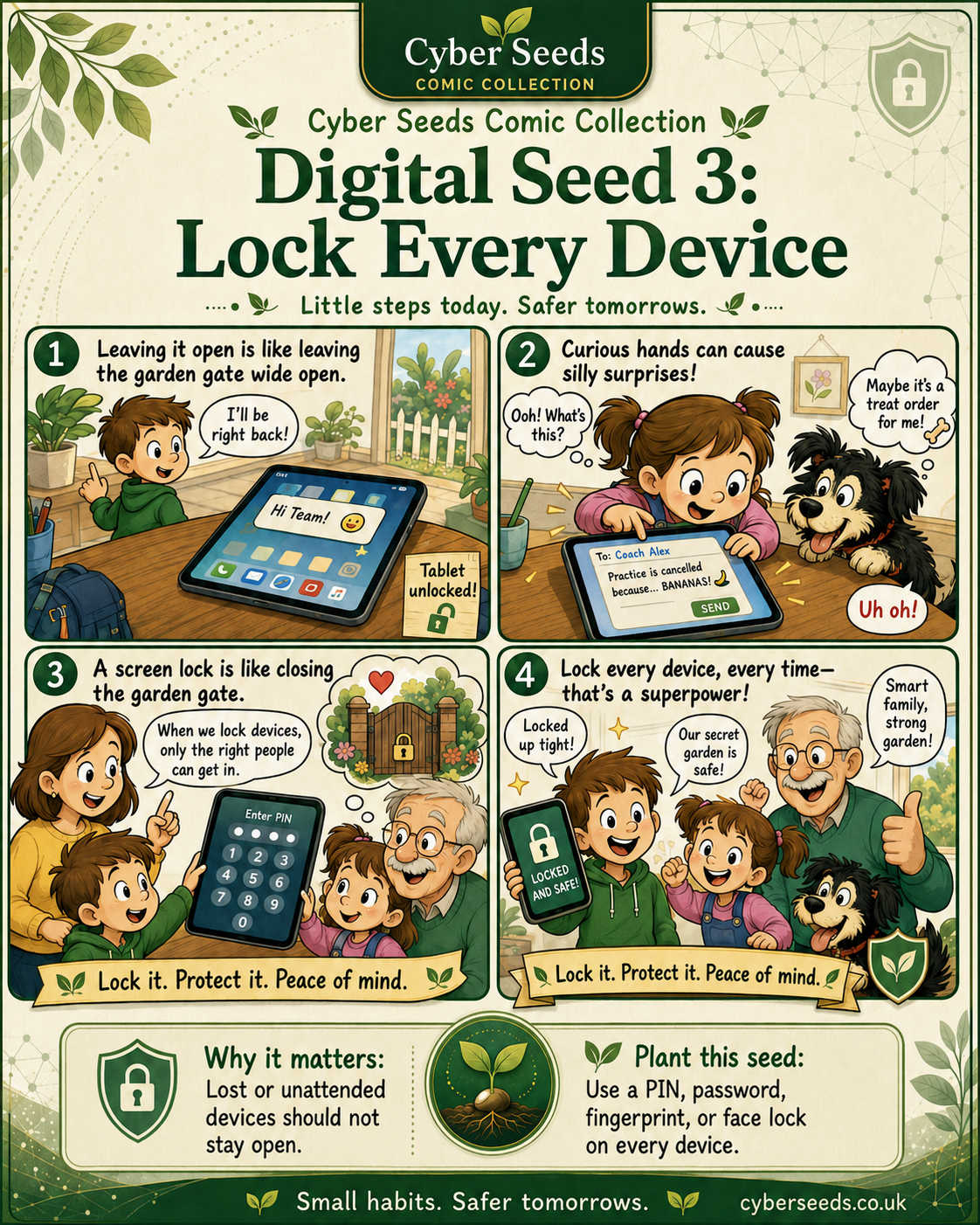
Accessible written version
Phones, tablets and laptops often contain messages, photos, payment details, school apps, work accounts and private family information.
Lost, shared or unattended devices should not stay open to anyone who picks them up.
Add a PIN, password, fingerprint or face lock to every phone, tablet and laptop. Set devices to lock automatically after a short period of inactivity.
“Lock it. Protect it. Peace of mind.”
Use Strong, Unique Passwords
Lens: Privacy & Identity Exposure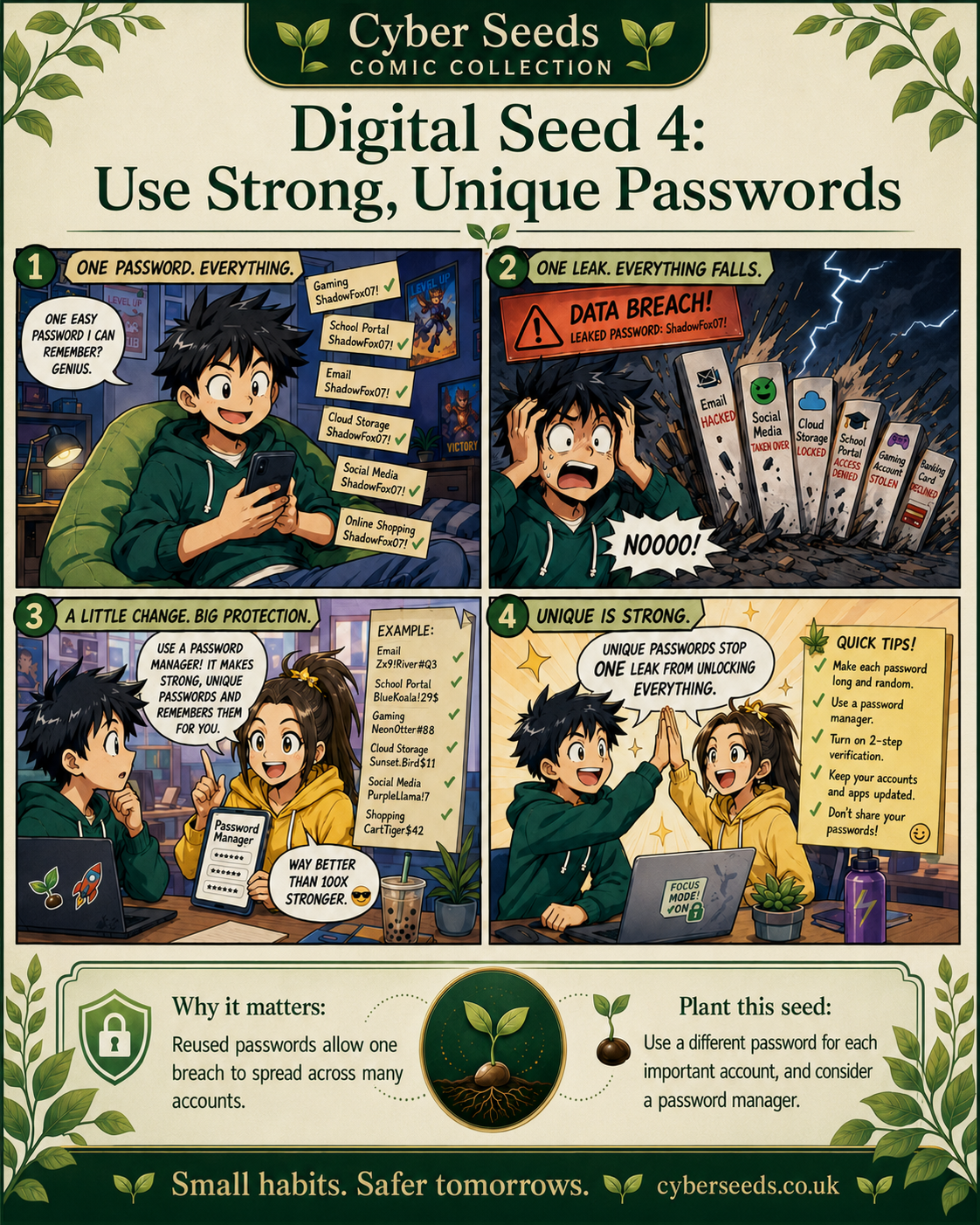
Accessible written version
Reusing one password across many accounts can allow one breach to spread into email, social media, shopping, school accounts, cloud storage and banking.
Unique passwords limit the damage. If one service is breached, the same password cannot unlock everything else.
Change the password for your main email account first. Then use different passwords for banking, cloud storage, social media, shopping and school portals. Consider a trusted password manager.
“One account, one password.”
Turn On Two-Step Verification
Lens: Privacy & Identity Exposure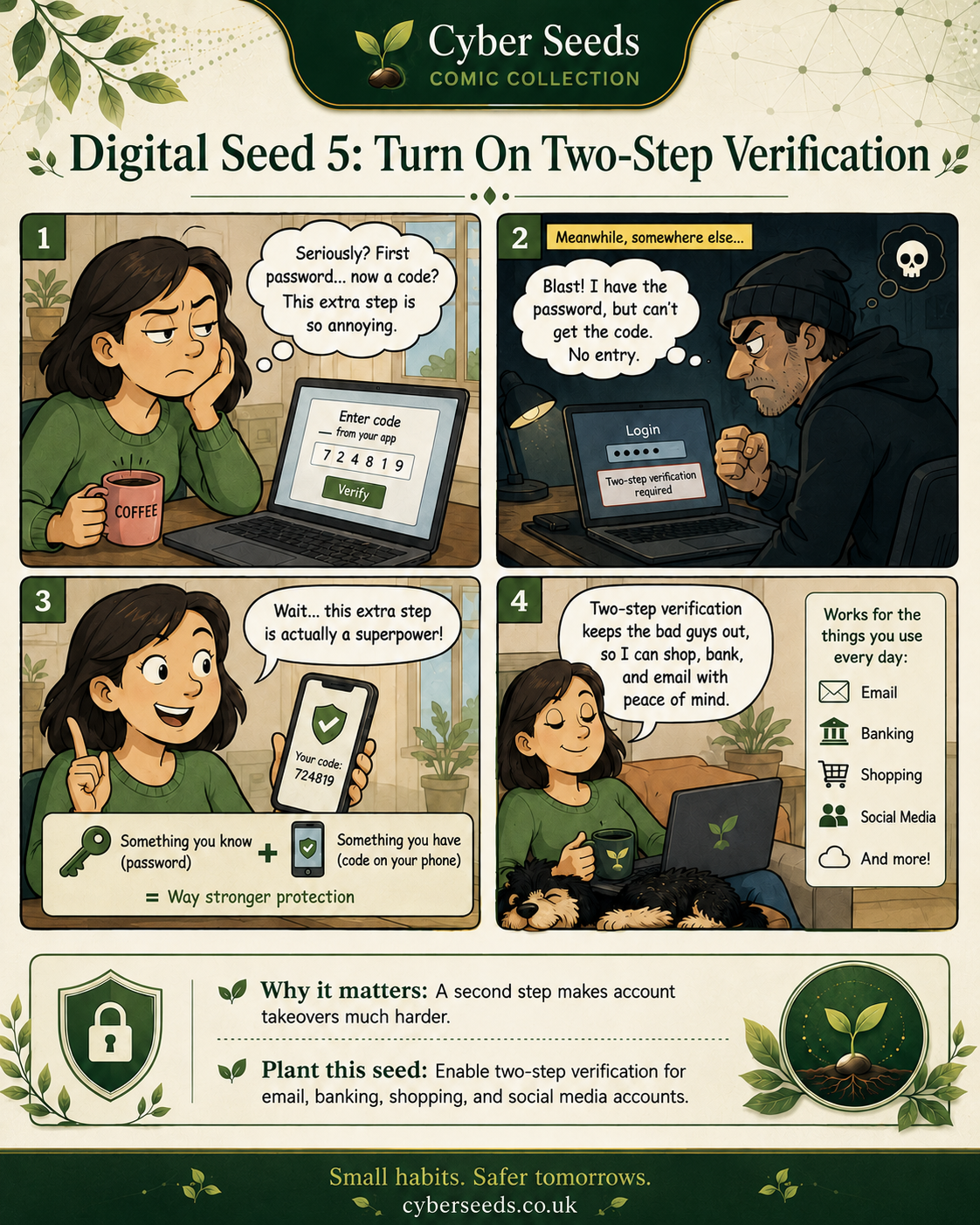
Accessible written version
Two-step verification adds a second check when someone tries to log in. It may use an authenticator app, a security key, a notification or a code.
Even if someone knows the password, they still need the second step to get in.
Start with your main email account. Then turn it on for banking, shopping, social media, cloud storage, Apple, Google, Microsoft and payment accounts.
“Two locks are stronger than one.”
Review App Permissions and Privacy Settings
Lens: Privacy & Device Safety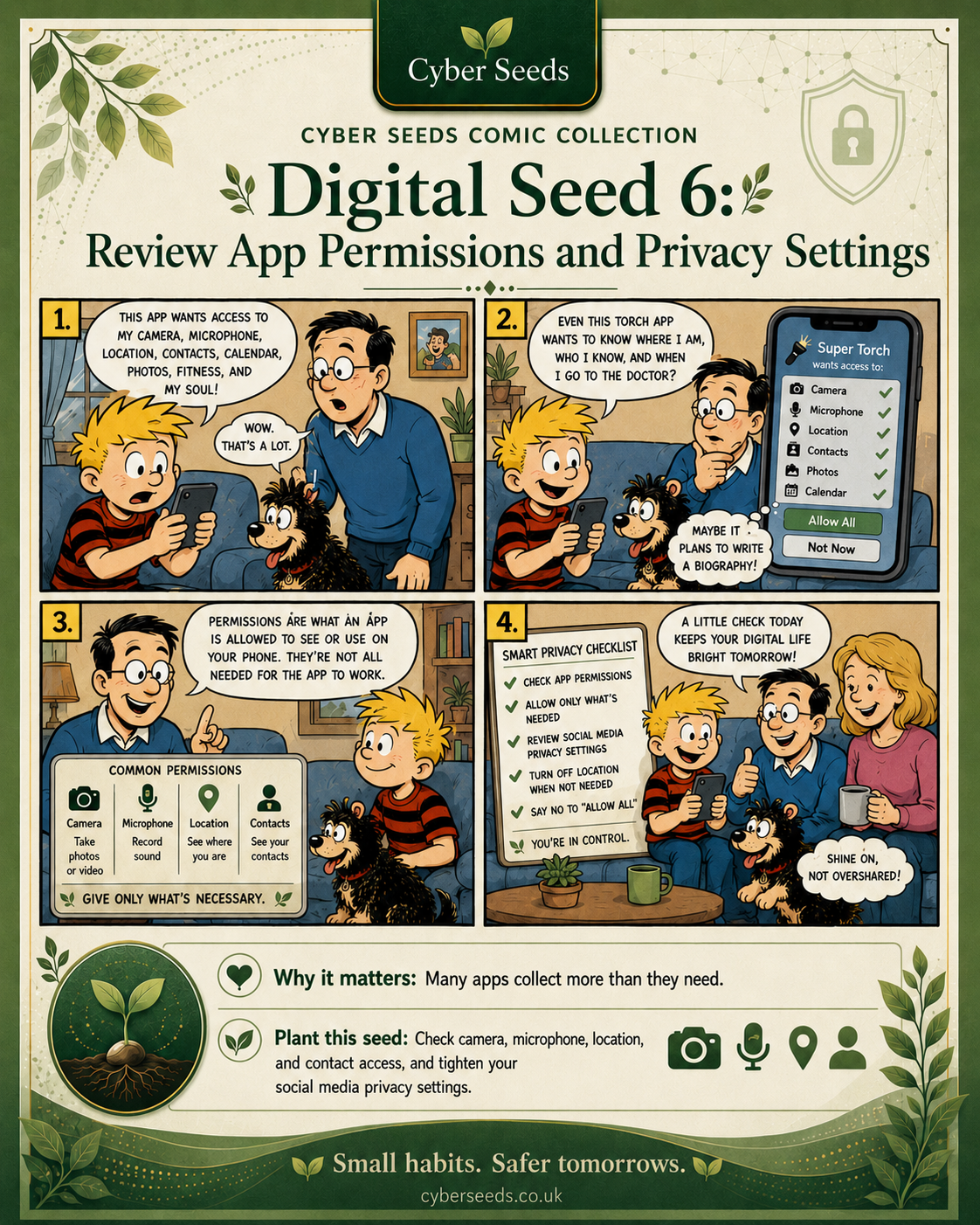
Accessible written version
Apps often ask for access to camera, microphone, location, contacts, photos and calendars. Some access is needed. Some is not.
Reducing unnecessary permissions limits what apps can see, collect or use.
Open privacy settings on each phone or tablet. Review location, camera, microphone, contacts and photos. Turn off permissions that do not make sense.
“Give only what is necessary.”
Create a Family Scam-Check Routine
Lens: Scam-Prevention & Digital Behaviour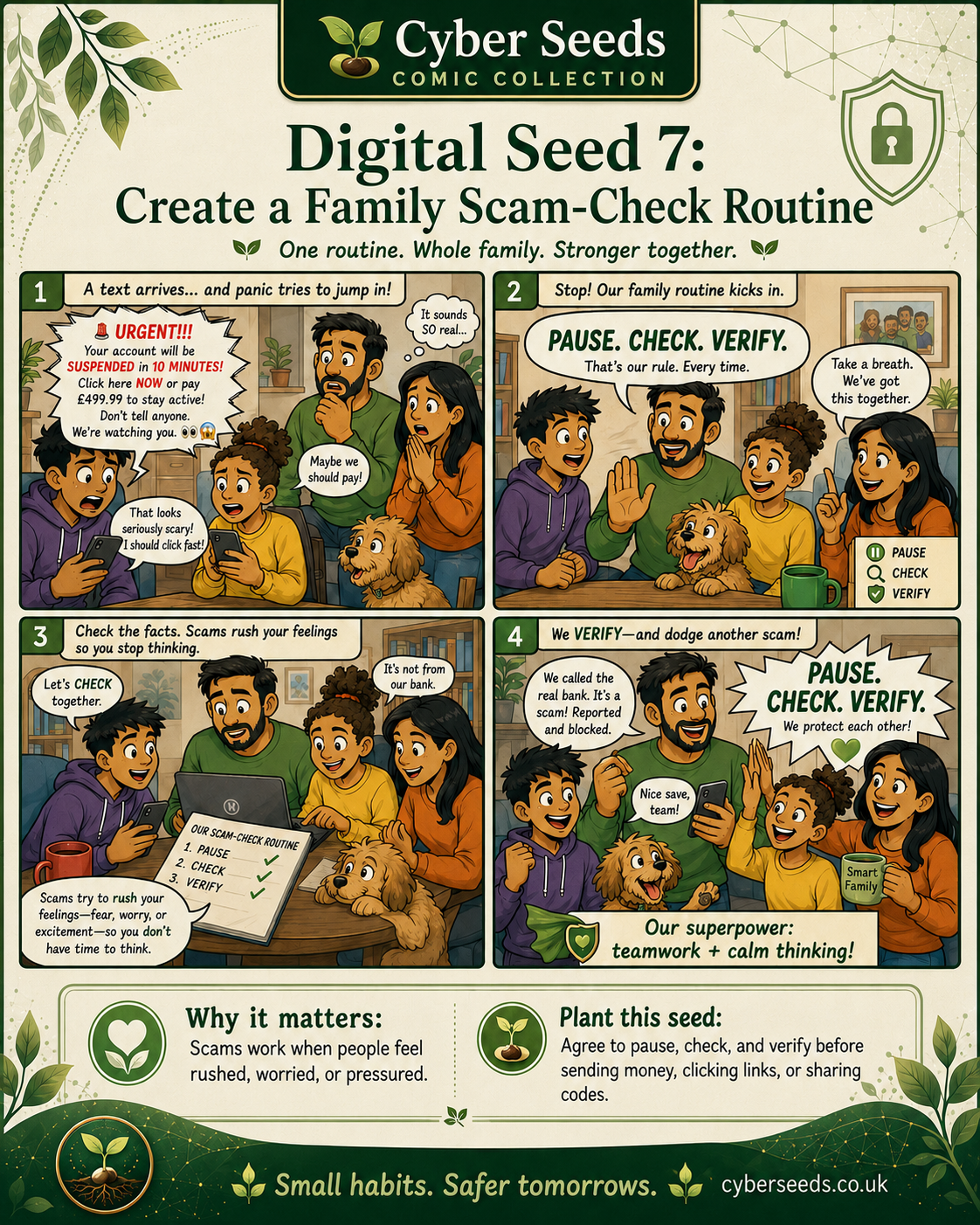
Accessible written version
Scams often work by rushing people. They create fear, urgency, excitement or pressure. A family routine gives everyone a calm way to stop and verify.
A shared routine can protect the household before someone clicks a link, sends money, shares a code or trusts an impersonator.
Agree the rule: Pause. Check. Verify. Do not act on urgent money requests, password requests or code requests until they are checked through another trusted route.
“Pause. Check. Verify.”
Make a Backup Habit
Lens: Device Hygiene & Recovery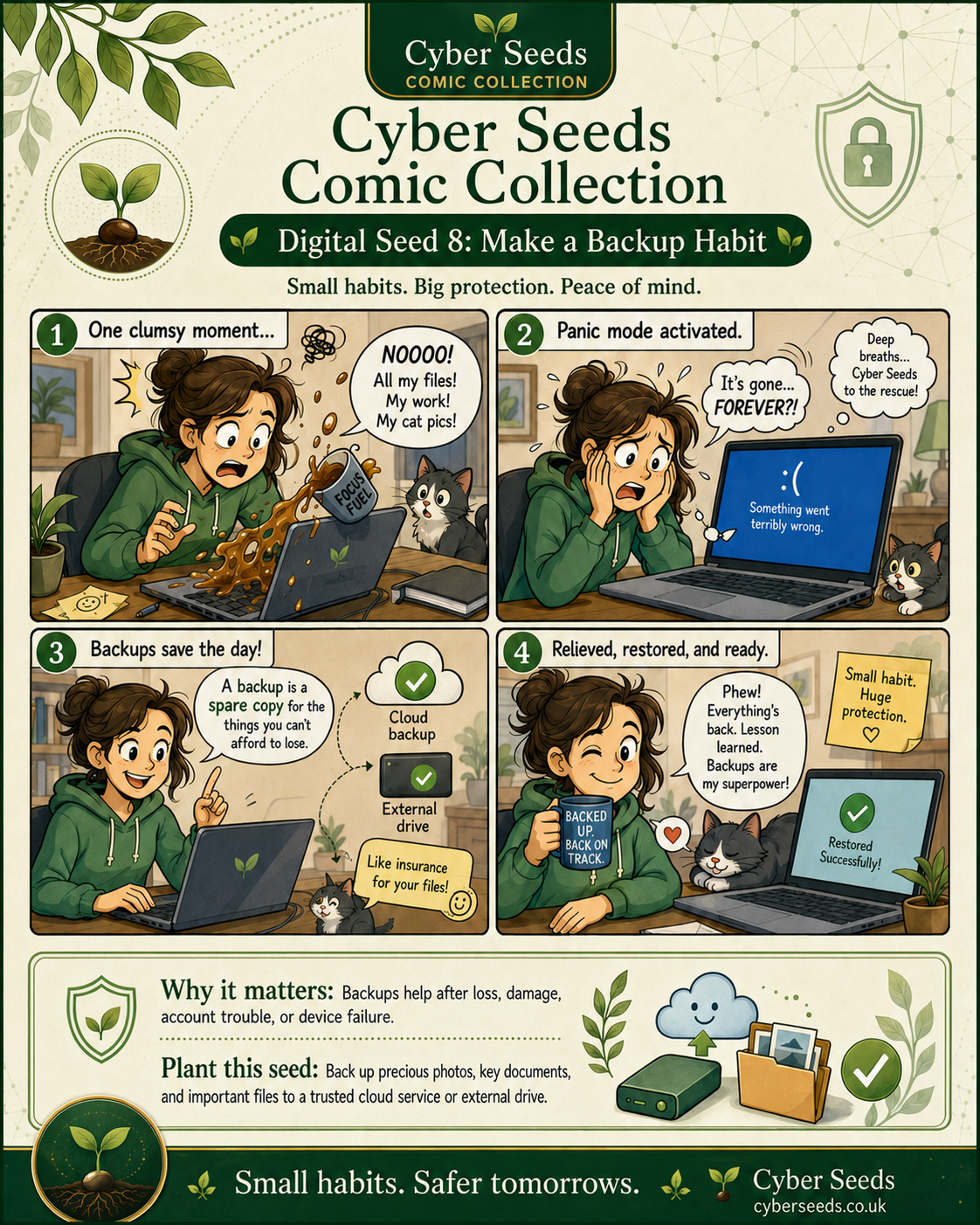
Accessible written version
Digital safety is not only about preventing harm. It is also about recovery. Backups help after loss, damage, account trouble, device failure or accidental deletion.
Photos, school work, family documents, business files and memories should not depend on one device.
Check the backup settings on your main phone first. Then back up important files to a trusted cloud service, external drive or both.
“Backed up, back on track.”
Create Calm Screen Boundaries
Lens: Children’s Digital Wellbeing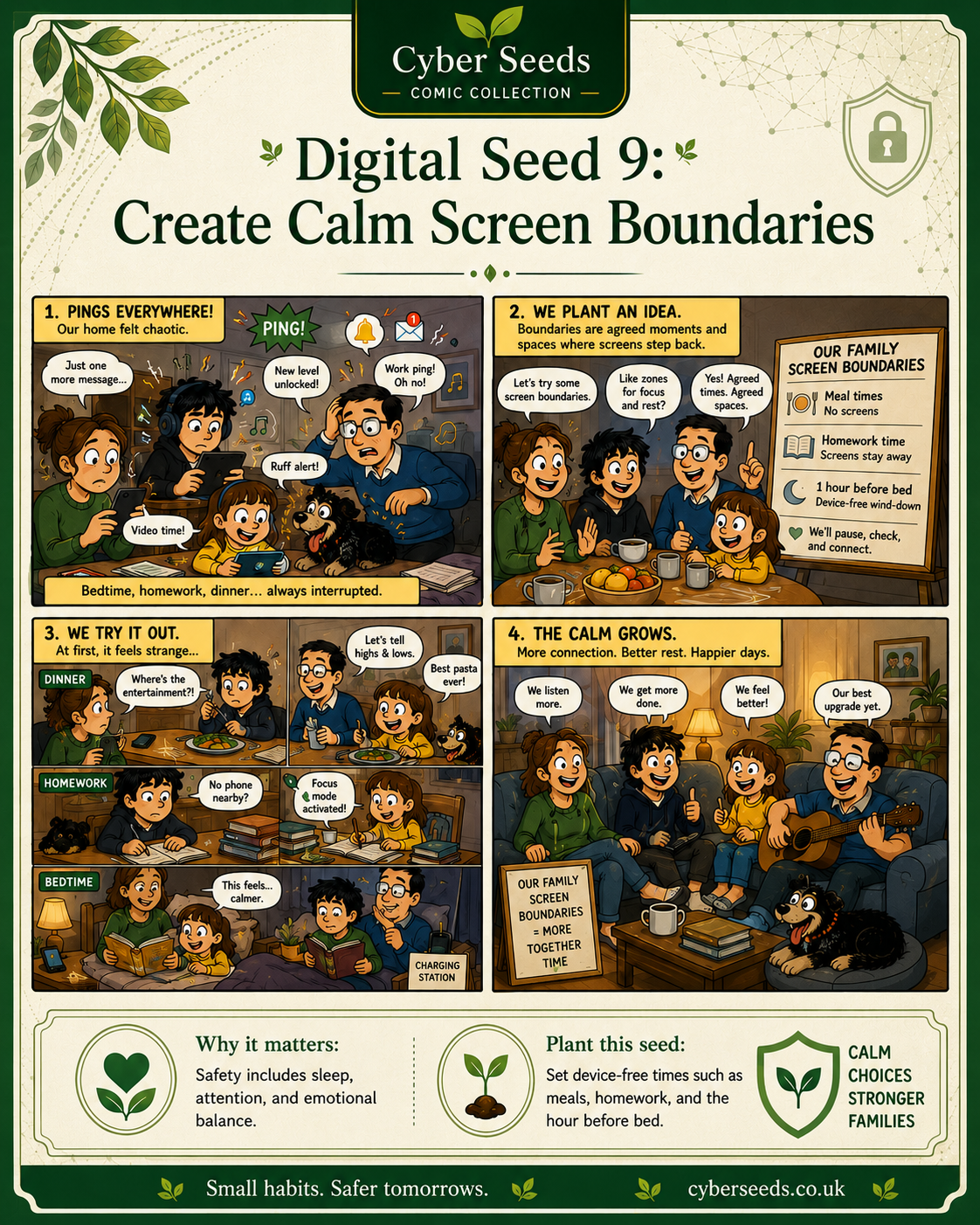
Accessible written version
Screens can interrupt sleep, homework, meals, attention and emotional balance. Boundaries work best when they are agreed, visible and calm.
Digital safety includes rest, attention, connection and emotional regulation.
Choose one device-free moment, such as meals, homework time or the hour before bed. Write it down as a family rule and keep it realistic.
“Pause. Check. Verify. Connect.”
Keep Children’s Digital Spaces in Conversation
Lens: Children’s Digital Wellbeing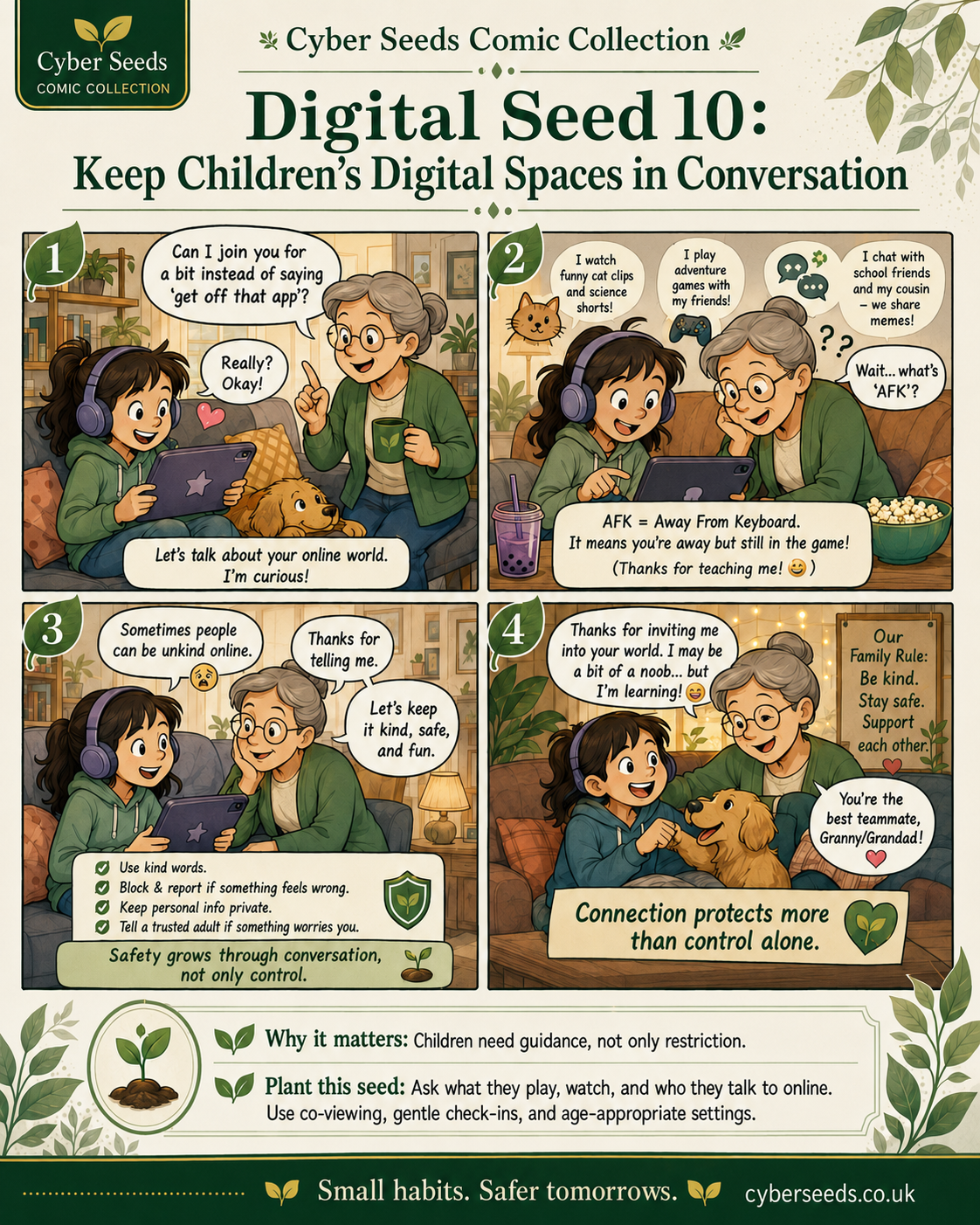
Accessible written version
Children’s digital spaces include games, videos, group chats, memes, comments, livestreams, friends, school platforms and private messages.
Children need guidance, not only restriction. Conversation helps adults understand the real online spaces children use.
Ask what they play, watch and who they talk to online. Use co-viewing, gentle check-ins and age-appropriate settings.
“Connection protects more than control alone.”
A simple weekly Digital Seeds ritual
Families do not need to complete every action in one day. A better approach is to choose one repeatable rhythm. Ten calm minutes each week can change how a household relates to digital safety.
Download or print the guide
This page is designed to work as a public guide, school handout, family discussion resource and printable household checklist.
Use the button below to print the page or save it as a PDF from your browser.
Printed from Cyber Seeds: https://cyberseeds.co.uk/resources/10-digital-seeds/
Measure your household’s starting point
The Cyber Seeds Household Snapshot is a short, supportive check-in across the five safety lenses: Network, Devices, Privacy, Scams and Wellbeing.
It helps a household see where it already feels strong and which Digital Seed may be the best next step.
References & further reading
- Cyber Seeds. What is Domestic Cyber Ecology?
- Cyber Seeds. The Household Digital Safety Gap.
- Cyber Seeds. DCS-UK Domestic Cyber Standard v1.0: Soft Power Edition.
- Cyber Seeds. Household Snapshot.
Editorial note: This guide is a public education resource from Cyber Seeds. It is designed to support calm household digital safety habits and is not a substitute for safeguarding advice, legal advice, emergency support or professional technical assistance where those are required.
Suggested citation
Cyber Seeds. (2026). Digital Seeds: The 10 Digital Seeds Every Household Should Plant. Cyber Seeds Resource Library. Available at: https://cyberseeds.co.uk/resources/10-digital-seeds/